Un mod care redeseneaza toate dialogurile din SAMP intr-un stil modern Dark OLED, cu font clar (Inter), bara de cautare Ctrl+F in liste si suport complet pentru culori si coloane.
A mod that redesigns all SAMP dialogs into a sleek modern Dark OLED style with crisp Inter typography, built-in Ctrl+F list search, and full color/column support.
1 / 3
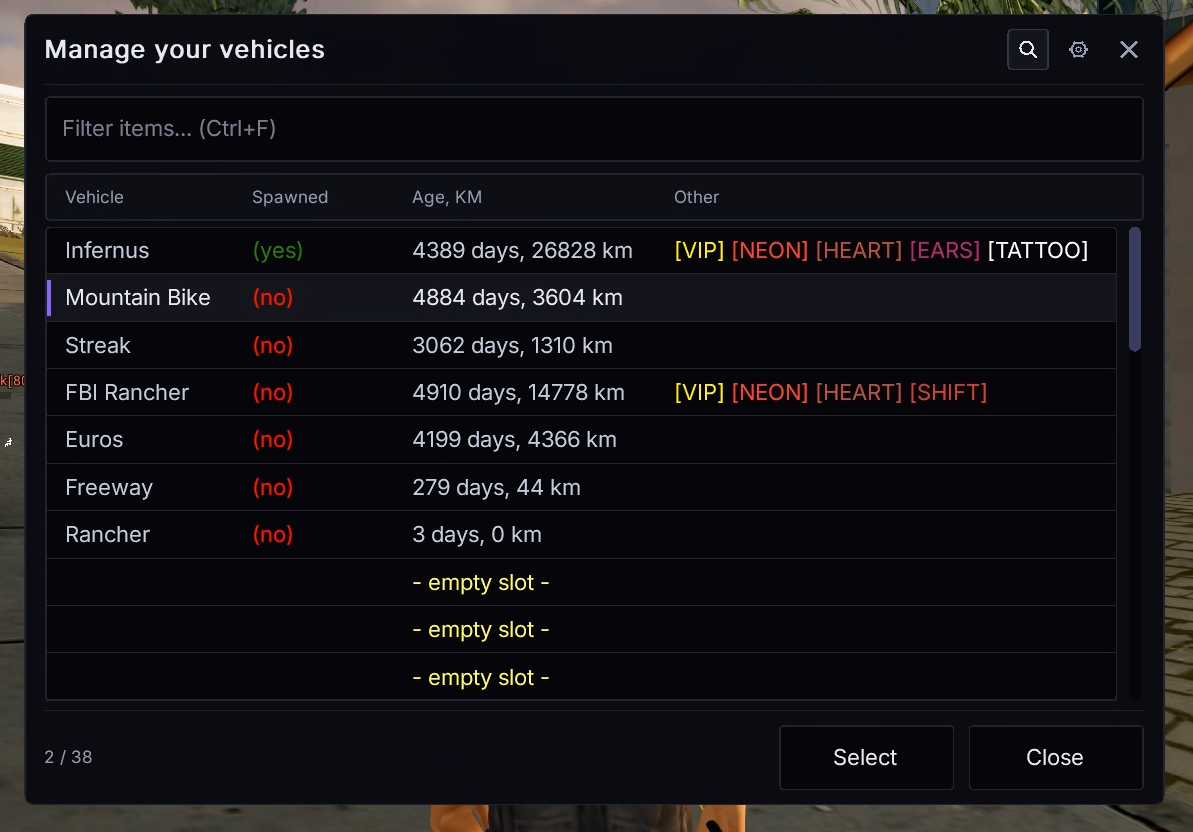
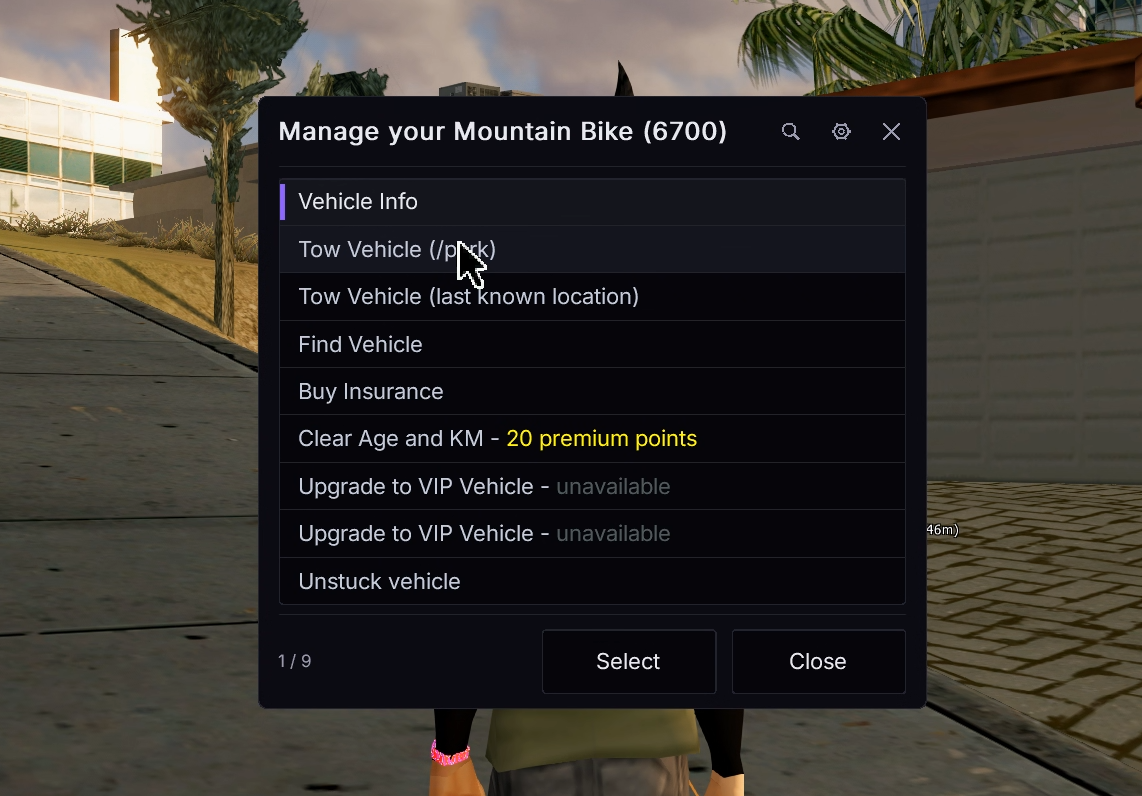
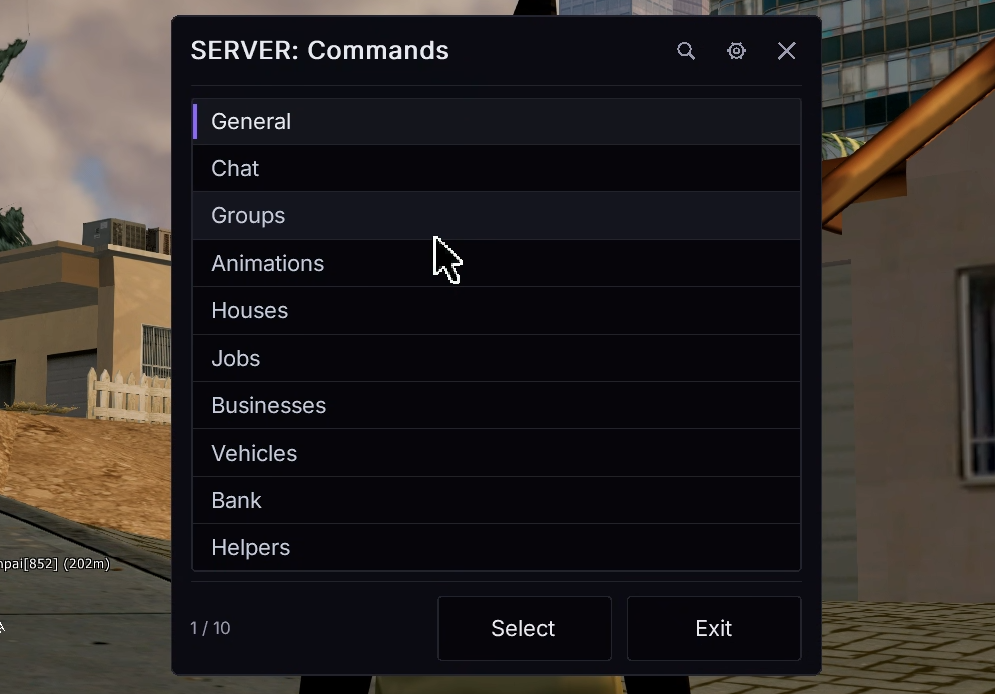
– Cautare rapida (Ctrl+F) in orice dialog cu lista (masini, comenzi, iteme, etc.) pentru a filtra instant ce cauti.
– Design modern Dark OLED cu font Inter, scroll fluid si afisare curata pentru toate tipurile de dialoguri SAMP (liste, tabele, input, parola, mesaje).
– Memoreaza automat selectia si textul din dialogurile de input.
– Meniu de setari direct in joc cu comanda /dialogs (sau /mods, ori din iconita de setari din dialog) pentru tema, culoare accent, marime font si transparenta, salvate automat in .ini.
Instalare mod Dialogs.asi
-
1
Acest mod are nevoie de CLEO (ASI Loader) instalat in joc.
-
2
Extrage arhiva descarcata si pune fisierele (Dialogs.asi, Dialogs.ini si Inter.ttf) direct in folderul principal al jocului 📁GTA San Andreas, acolo de unde deschizi samp.exe.
Daca modul nu porneste sau cere DirectX 9, descarca d3dx9_43.dll si pune-l in folderul principal al jocului. -
3
Intra in joc — toate dialogurile se schimba automat. Scrie /dialogs in chat (sau apasa iconita de setari din dialog) daca vrei sa le personalizezi.
Update v1.0 (23.11.2026): prima versiune.
Autor mod: Tibi (moduri.ro) & Gemini (AI) v1.0
– Instant search (Ctrl+F) inside any list or tablist dialog (vehicles, commands, items, etc.) to filter entries on the fly.
– Modern Dark OLED redesign with crisp Inter font, smooth scrolling, and full support for all SAMP dialog styles (msgbox, input, password, list, tablist).
– Remembers previous selections and input values automatically.
– In-game settings menu via /dialogs (or /mods, or the gear icon in any dialog header) for theme style, accent color, font size, and opacity, auto-saved to .ini.
How to install Dialogs.asi
-
1
This mod requires CLEO (ASI Loader) installed in your game.
-
2
Extract the archive and copy the files (Dialogs.asi, Dialogs.ini, and Inter.ttf) directly into your main 📁GTA San Andreas folder (where samp.exe is).
If the mod doesn’t load or asks for DirectX 9, download d3dx9_43.dll and place it in your main GTA SA folder. -
3
Launch the game — all dialogs update automatically. Type /dialogs in chat (or click the gear icon in any dialog) to customize.
Update v1.0 (23.11.2026): initial release.
Mod author: Tibi (moduri.ro) & Gemini (AI) v1.0